
 KitchenHand
Applies to: the current MarketSquare platform — mymst.app. Not applicable to the legacy V2 platform (beta.intrac.app).
 On your computer the web back office ·
 In the app phone, tablet or scale device
👉 Tap this press it in the app · Exact label look for this wording on screen
What this does
 KitchenHand prices your recipes from the real cost of each ingredient. Get those costs in place once and every recipe shows a live cost per batch and per sellable unit — updating on its own as prices change.
Where this happens: costing setup is computer work in the web portal.
- Every ingredient must exist in Square first. Create any missing ones from Catalog Items and they sync across.
- If you also use
 InTrac, reconciled invoices will keep these costs current with no further effort.
Open the ingredient's Inventory tab On your computer
In Catalog Items, open the ingredient and select the Inventory tab. You will see the quantity on hand from Square alongside Last Cost.
Let purchasing fill it in (recommended) On your computer
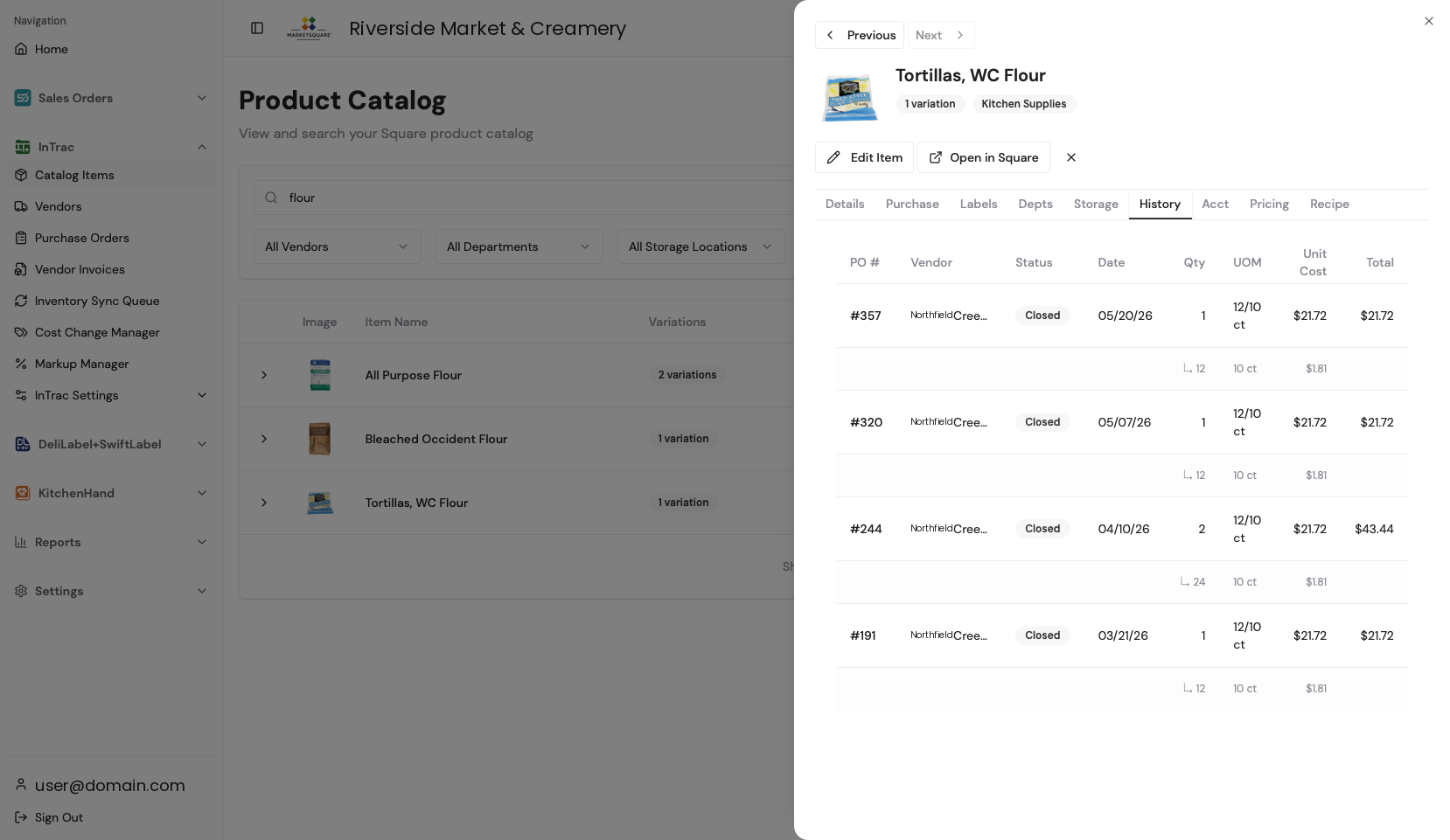
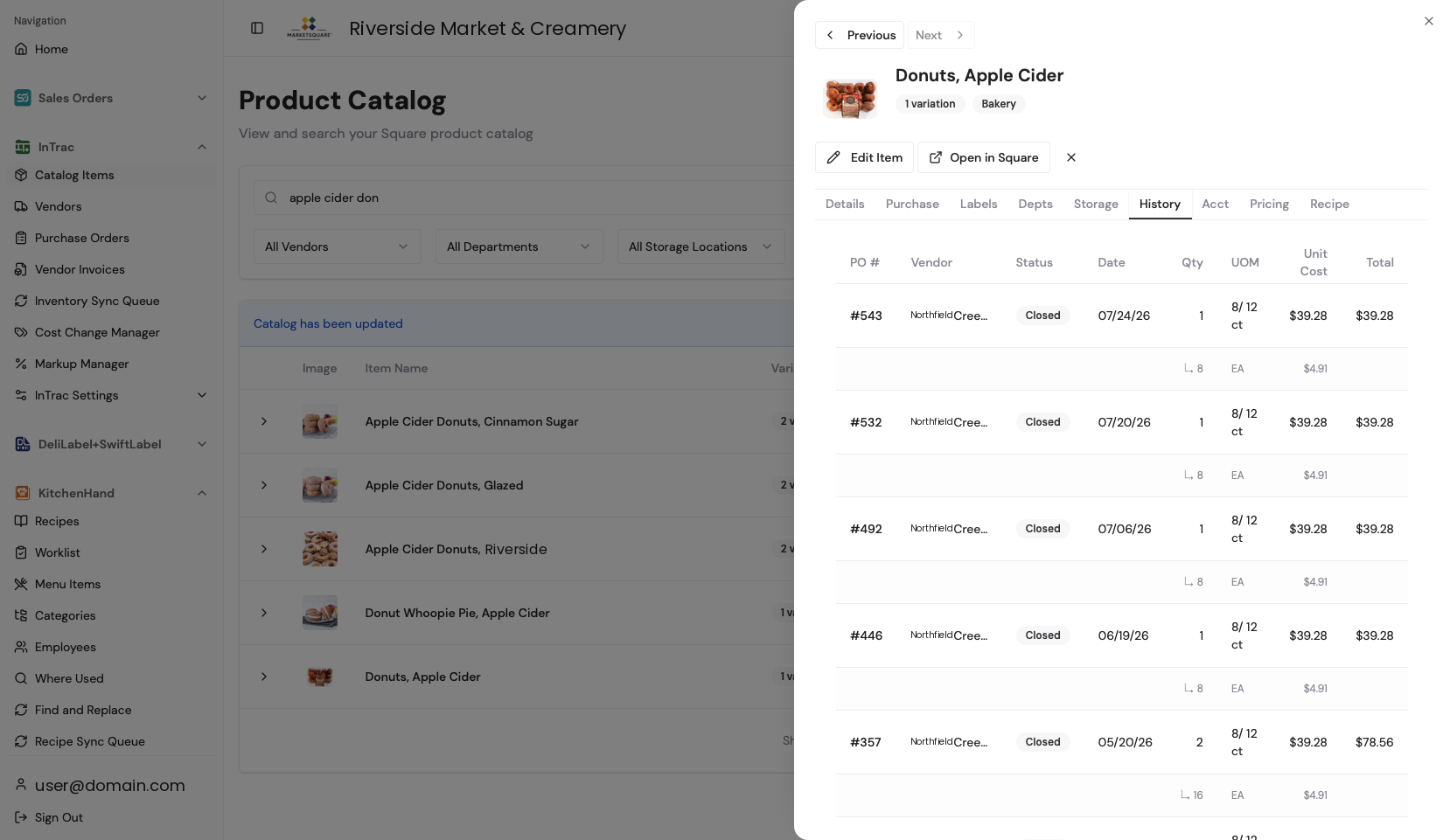
If you buy the ingredient on an InTrac purchase order, Last Cost fills in from the most recent order and stays current every time you reconcile an invoice. The Purchase History tab shows where each figure came from — date, quantity, cost, vendor and order number.
Or enter the cost by hand On your computer
For anything you do not buy through a purchase order, type the cost into Last Cost and Save. Enter it per stockable unit (per pound, per each) rather than per case — your purchase unit conversion handles case math elsewhere.
KitchenHand recalculates recipe costs in real time. You always know the margin on everything you make, without maintaining a spreadsheet.
Common questions
Do ingredients have to exist before I build a recipe?
Yes. Every ingredient must exist in Square before a recipe can use it. You can create items from Catalog Items without opening Square directly.
What unit is the cost in?
The stockable Square unit — per pound, per each. If you buy by the case, the purchase unit conversion does that math for you.
A vendor price changed. Do my recipes update?
Yes. Every recipe using that ingredient recalculates, and Recipe Costs Update flags the ones that moved significantly.