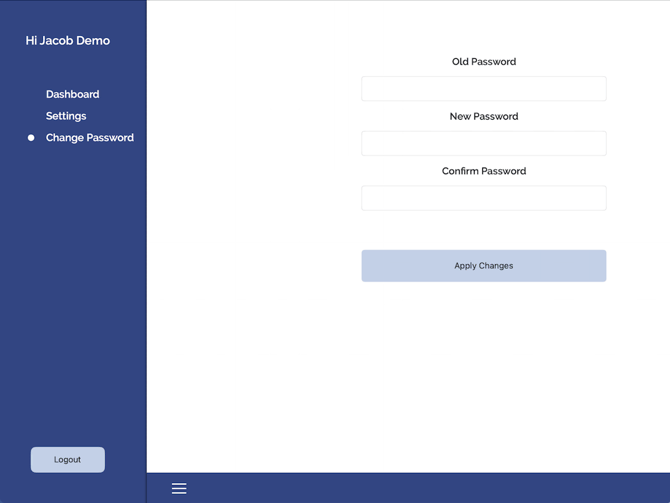
When your first app user is created in the web app, upon sign up, a password will be emailed to the email on file for the app user. With those, you can log into DeliLabel. Once you're logged in, you can change your password to something easier to remember by tapping the three horizontal bars at the bottom left of DeliLabel can pressing "Change Password".
You will be required to enter your old password, the new password, and the new password once more to confirm.