THIS LOGIN OPTION IS NO LONGER AVAILABLE BECAUSE OF THE ADVENT OF OUR "LATEST" SOFTWARE PLATFORM!
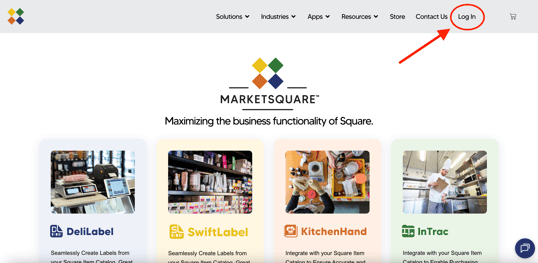
- Go to MarketSquareTech.com and click on the "Log In" on the top right of the page.
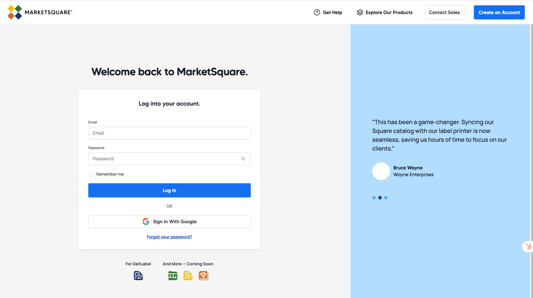
- Click the "Create an Account" button at the top.
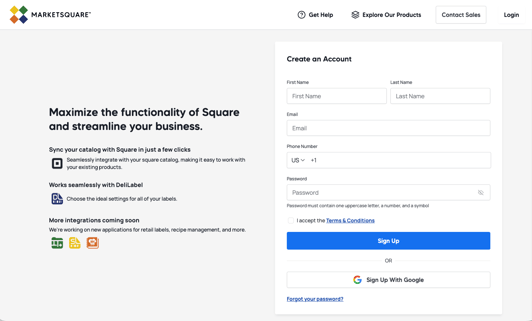
- Fill in your First Name, Last Name, Email, Phone Number, and Password in the fields to the side. Please read and accept the Terms & Conditions. Then press Sign Up.
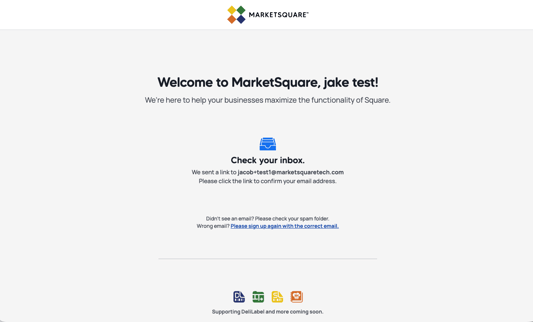
- You will be redirected to a page letting you know your account has been created and to check your inbox. Go to the email your registered with and click the account confirmation link you just received. (If the link has not shown up, make sure to check your spam folder)