
First, create your new account by navigating to mymst.app. Select "Start free trial."
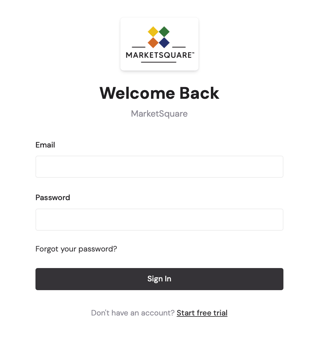
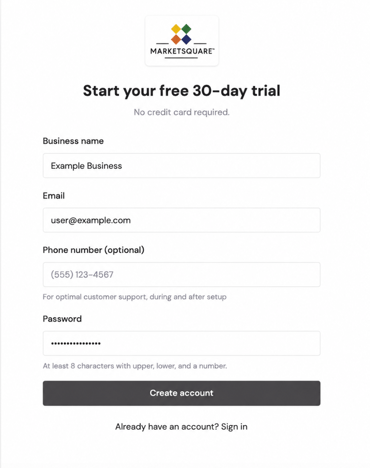
Input your desired email and password.
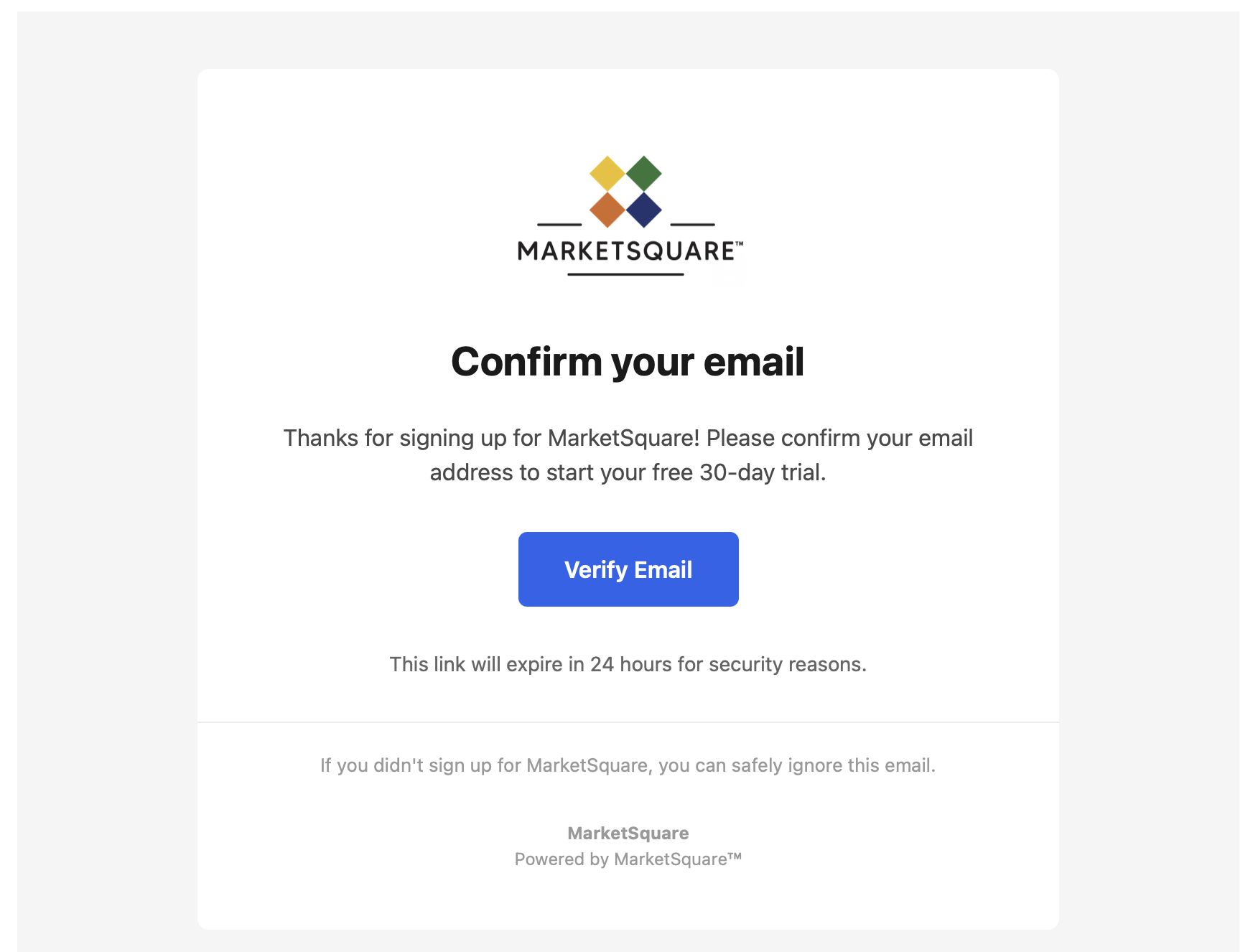
You should then receive an email to confirm your account.
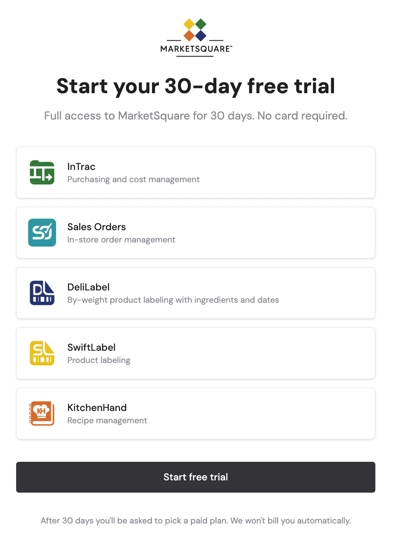
From there, you are prompted to begin a free trial.
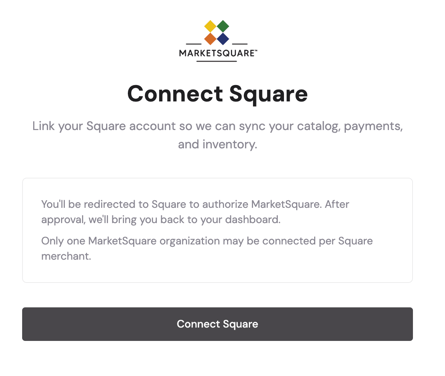
You will then be prompted to connect your Square account. After this is finished, your catalog should transfer from Square.
For more information individual features, contact support@marketsquaretech.com. More articles are coming soon.