
 KitchenHand
Applies to: the current MarketSquare platform — mymst.app. Not applicable to the legacy V2 platform (beta.intrac.app).
 On your computer the web back office ·
 In the app phone, tablet or scale device
👉 Tap this press it in the app · Exact label look for this wording on screen
What this does
A  KitchenHand recipe is more than a card on the wall. It is step-by-step instructions your staff follow on the kitchen iPad, connected to live inventory: when a batch is finished, KitchenHand depletes the ingredients and adds the finished yield to Square, with costs rolled into the finished item.
Where this happens: you build recipes on a computer; your staff use them in the app.
- Ingredients exist in Square with costs set (see Adding Ingredient Costs).
- A yield item exists in Square — the finished product the recipe produces. Every recipe requires at least one.
Create the recipe On your computer
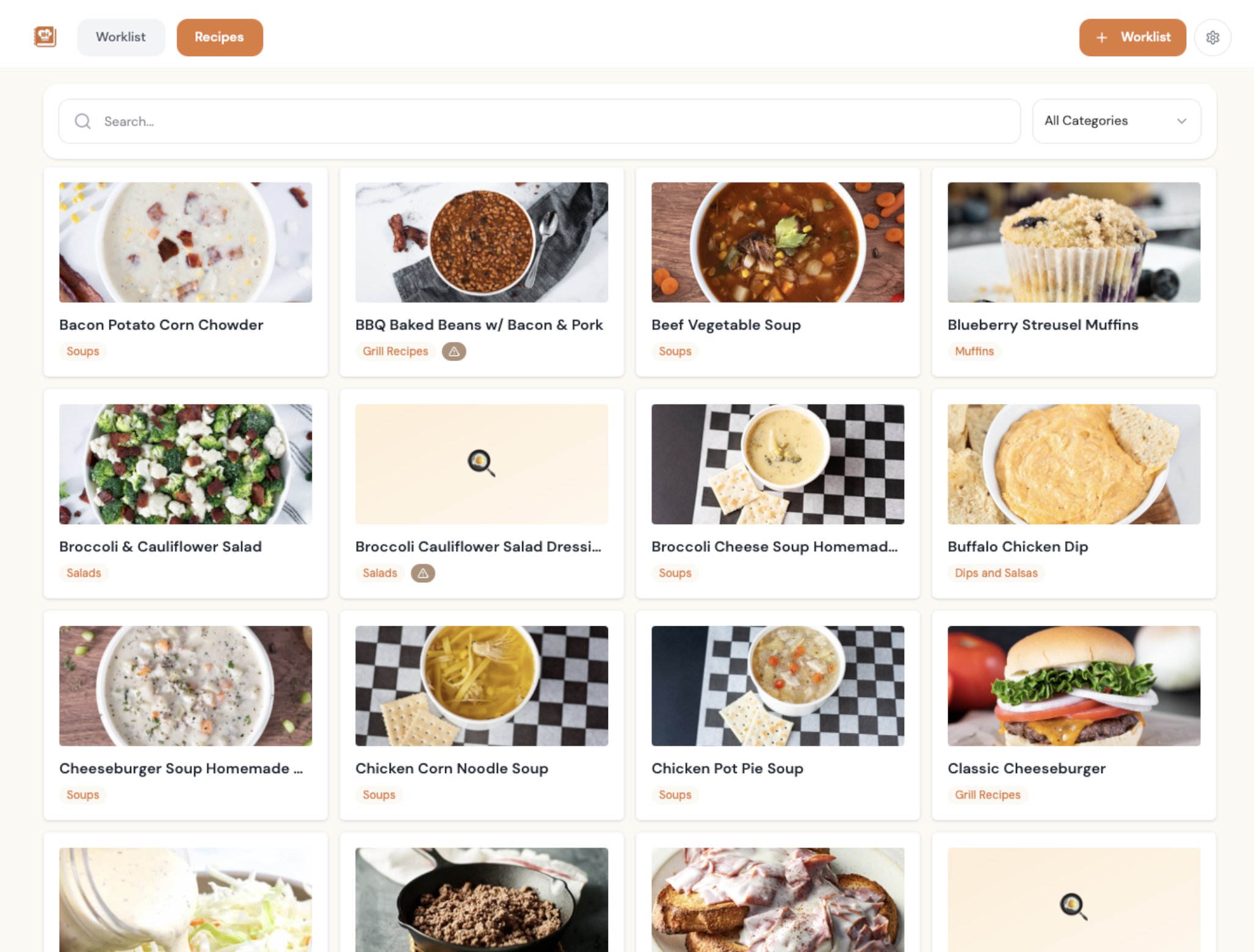
Open Recipes and add a new one. Give it a name and a category, and add a photo — the photo is what makes it recognisable at a glance on a busy kitchen screen.
Set the yield item and batch size On your computer
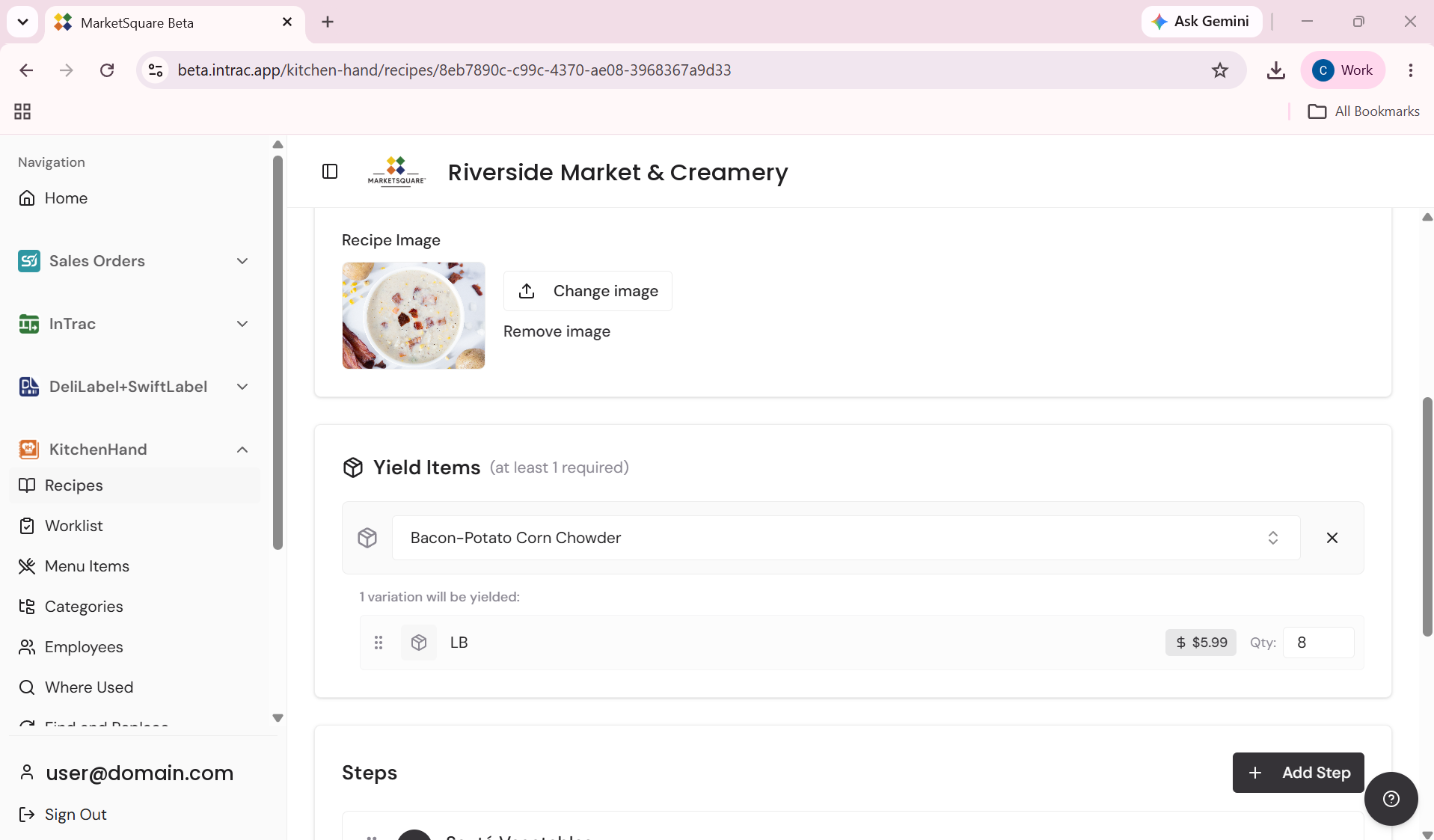
Under Yield Items (at least one is required) choose the Square item this recipe produces and set the quantity one batch makes. KitchenHand confirms which variation will be yielded. This is exactly what gets added to inventory when the batch is completed.
Add the ingredients and watch the costing On your computer
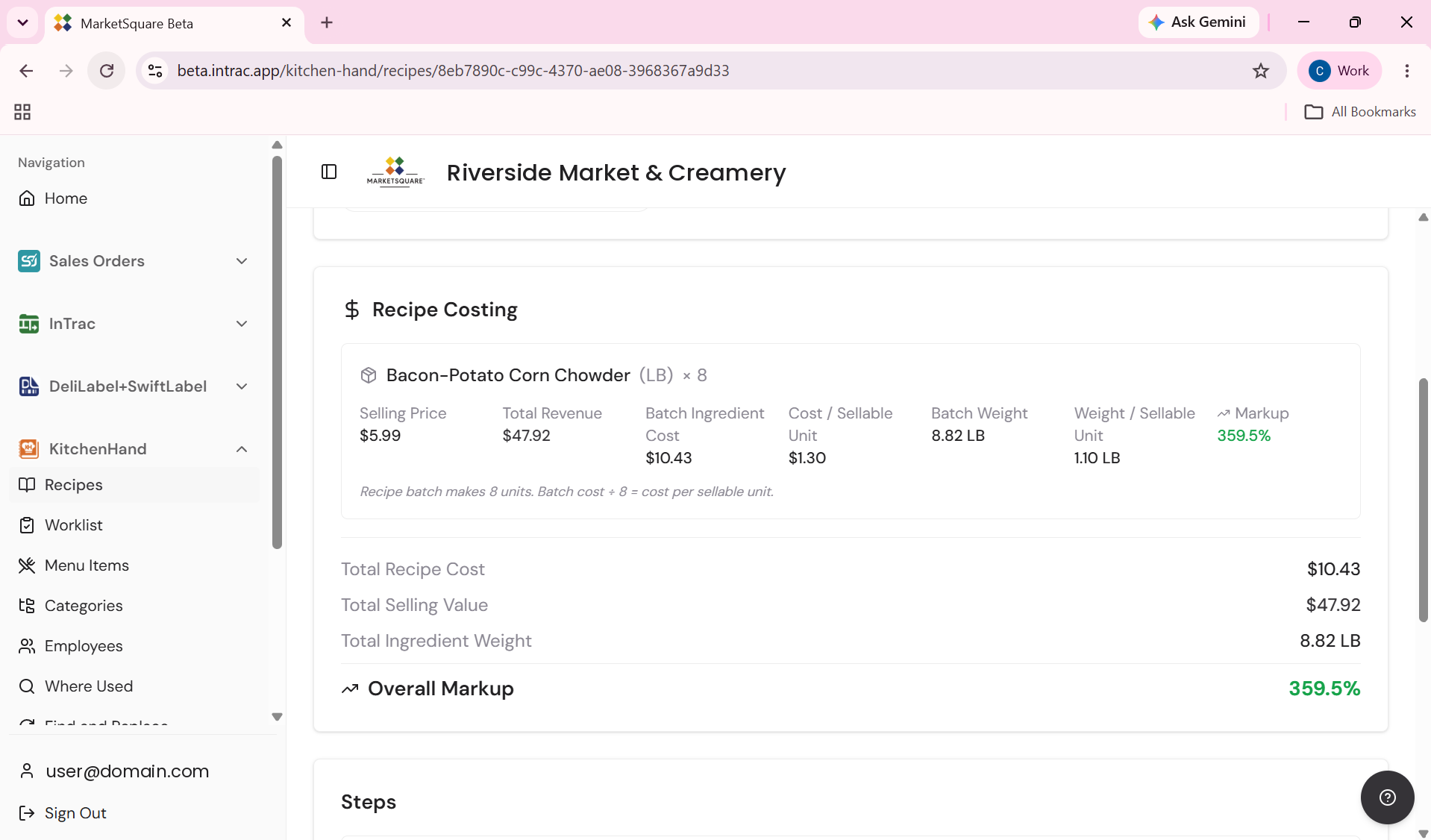
Add each ingredient with the amount used per batch. The Recipe Costing panel updates as you go: batch ingredient cost, cost per sellable unit, batch weight, and the overall markup against your selling price.
KitchenHand spells the math out on screen —
‘Recipe batch makes 8 units. Batch cost ÷ 8 = cost per sellable unit.’ If anyone ever questions a recipe cost, that line answers it.
Write the steps for your staff On your computer
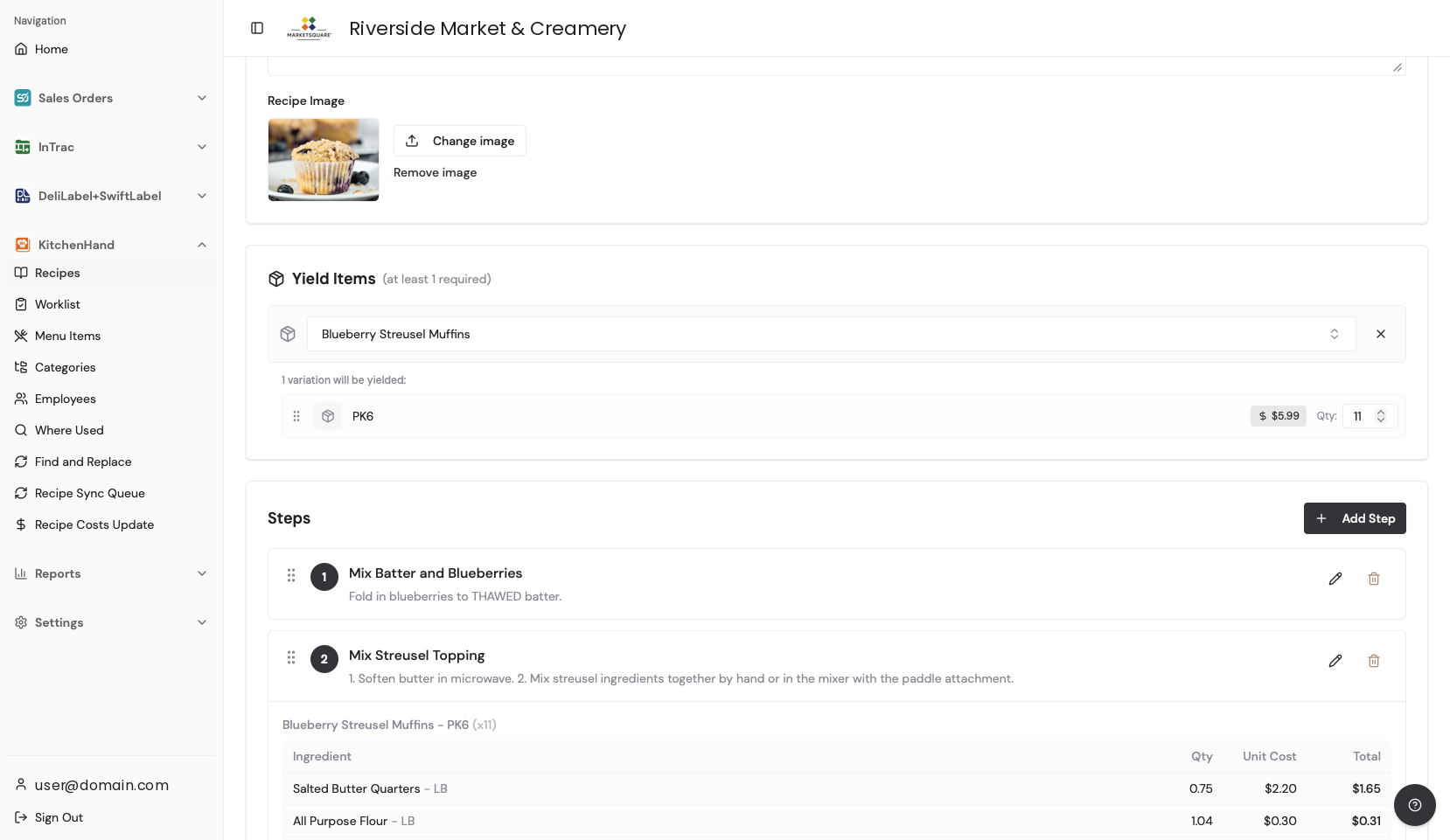
Break the method into numbered steps written for the person making it, one action per step. You can attach a photo or a short video to any step (see Adding Photos & Videos to Recipes).
How staff use it on the iPad In the app
Staff open the recipe from Recipes or from an assigned Worklist task. The screen splits into ingredients with exact quantities and the numbered instructions, and each step tracks its own completion as they work. When the batch is done they tap 👉 Make Recipe — ingredients deplete, the yield is added, and costs roll into the finished item in Square.
Common questions
Can I add a new ingredient while building a recipe?
Ingredients must exist in Square first. Create the item from Catalog Items — it syncs to Square automatically — then add it to the recipe.
A supplier changed and I need to swap an ingredient in many recipes.
Use Find & Replace to swap an ingredient across every recipe at once, and Where Used to see each recipe containing a given ingredient — also useful for allergen checks.
Does finishing a batch really update Square?
Yes, through the Recipe Sync Queue. Ingredients deplete, the yield item's count rises, and ingredient costs roll up into the finished item's cost.