
In order for your label specifications to populate in the same way as they did on the previous version, you must briefly return to the Legacy web application (marketsquaretech.app).
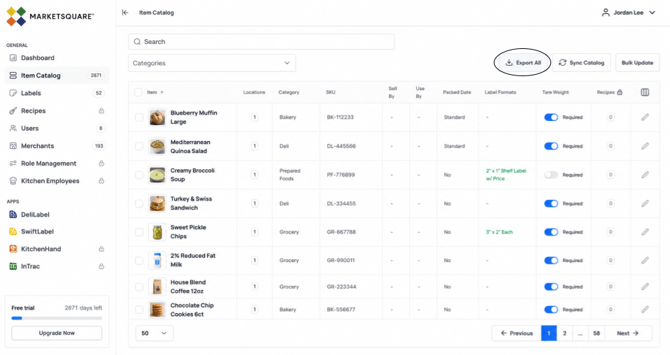
Select “Export All” next to your catalog. It should export as a CSV file.
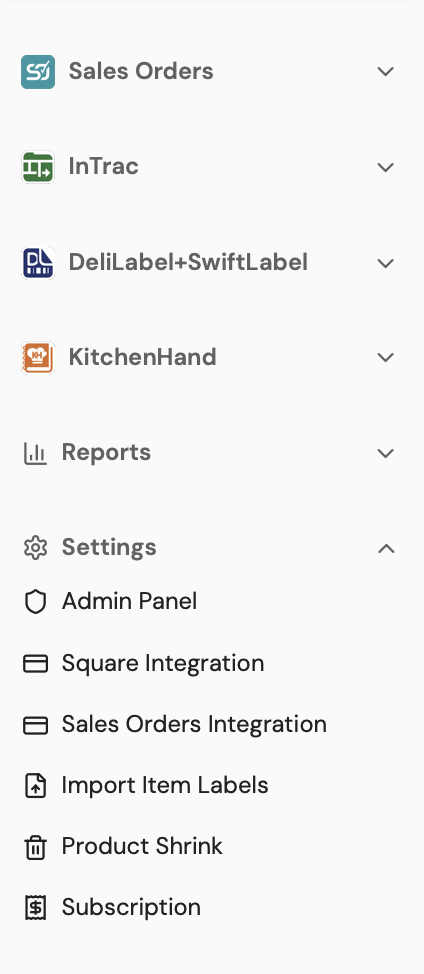
Return to the Latest Version. Select “Import Item Labels” under Settings in the lefthand toolbar.
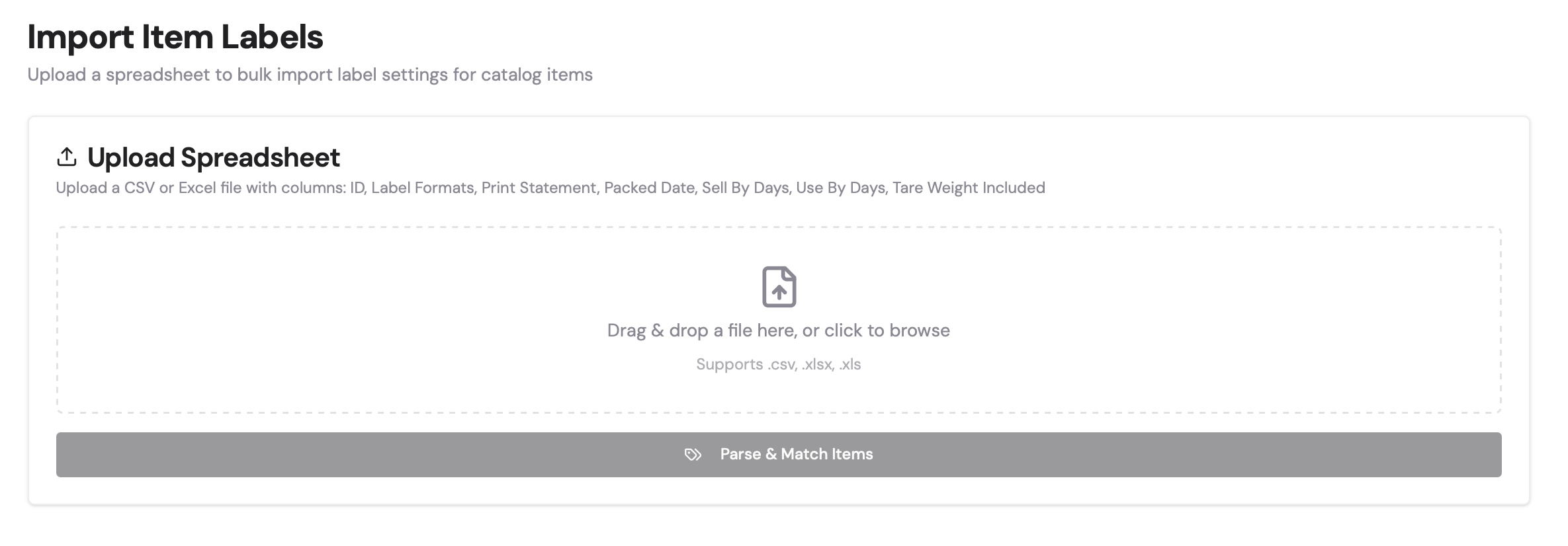
Drag the CSV file to the dropbox listed.
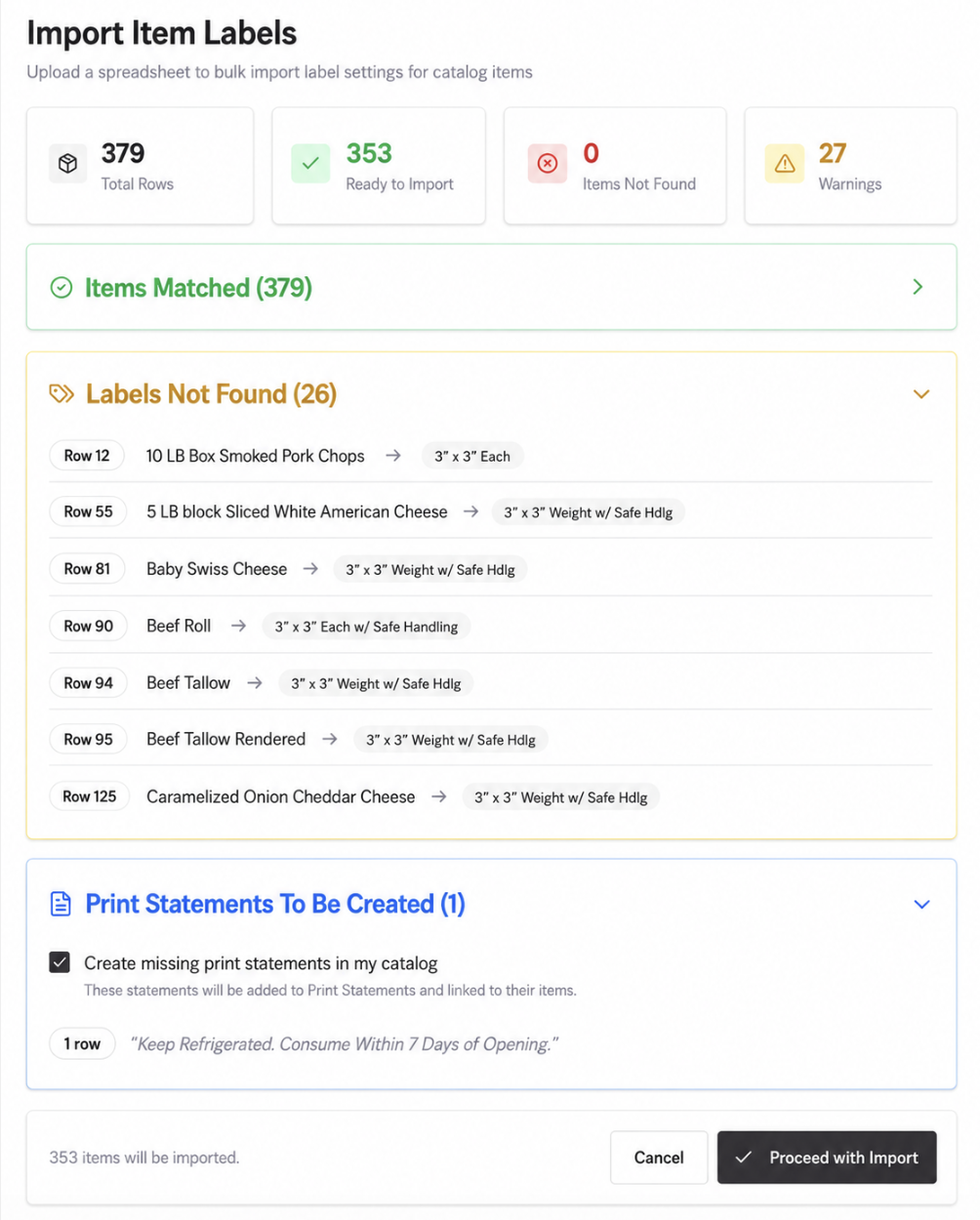
Confirm that your label data matches your imported spreadsheet. If so, select "Proceed with Import."
NOTE: This process may not work if you have custom labels. If you have custom labels, reach out to support@marketsquaretech.com, and we will facilitate the process.