
Manage Business Location
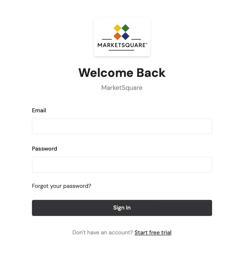
1. Navigate to the web app, found at mymst.app. Log in with your credentials.
NOTE: Only Admins and Managers may be able to access the required functionality in order to modify the business address.
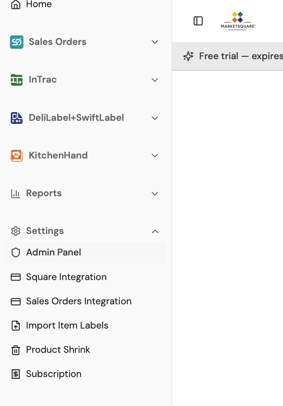
2. Select Admin Panel under the left-hand column, as shown below.
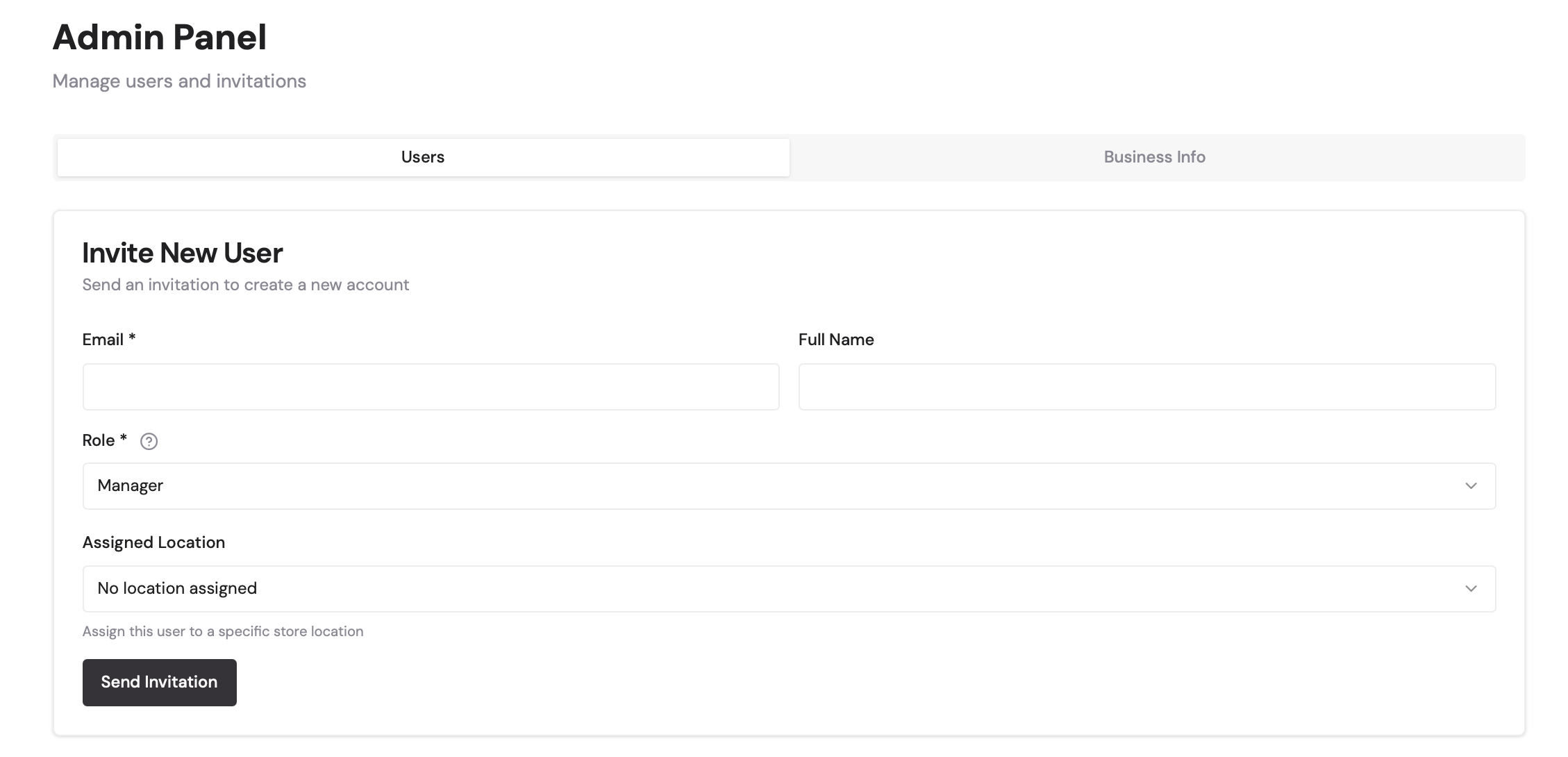
3. Under Admin Panel, select Business Info on the right.
4. Enter your business address, and click Save Business Settings when finished.
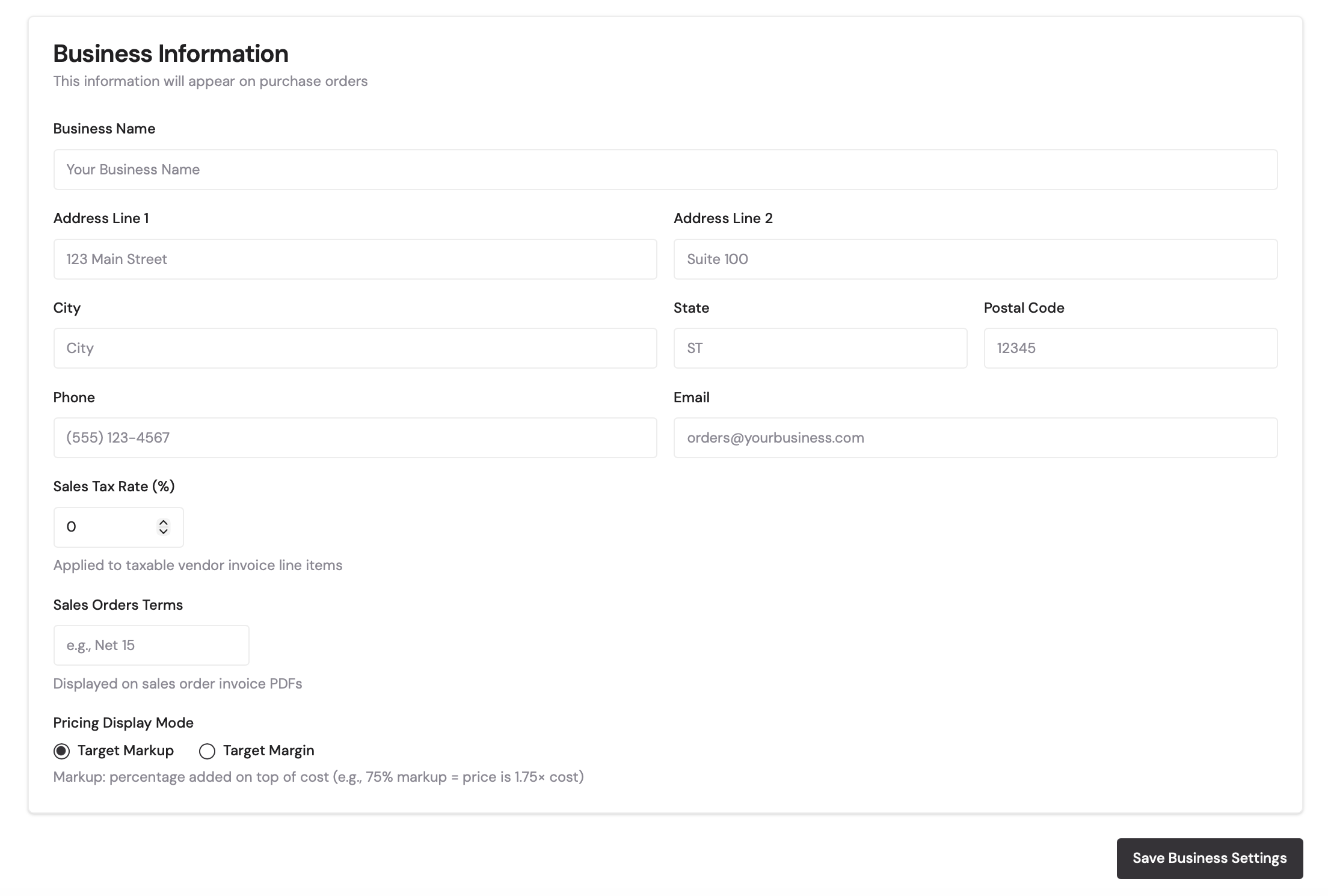
This address should now print on your label. For more assistance, contact support@marketsquaretech.com.